

Planet POE TESTER
€ 13,37 (excl. VAT)
€ 16,18 (Incl. VAT)
– 802.3af / at
– Mid-span / End-span
– Compact size
2 in stock
Quickly and easily test an RJ-45 outlet for Power over Ethernet presence in one second.
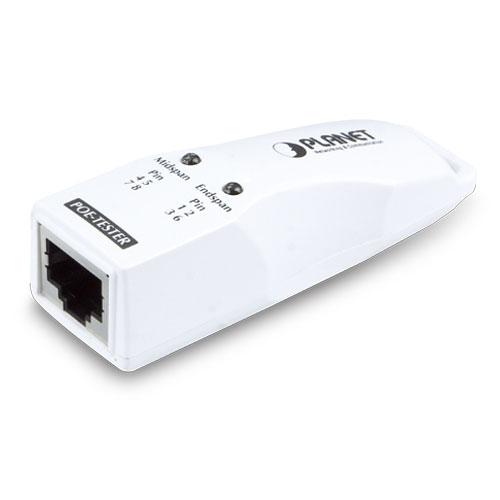
The Planet PoE Tester is an easy-to-use PoE diagnostic adapter for network installers, corporate IT professionals, and even home users. This tester allows you to quickly check the presence of Power over Ethernet on a network. It is designed to detect the presence of IEEE 802.3af/at PoE voltage on the UTP cable and to determine the type of PSE (Power Source Equipment) used for troubleshooting.
Plug and Show LED indicator
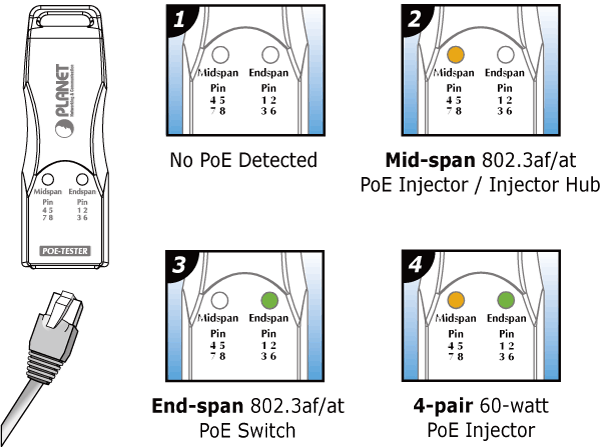
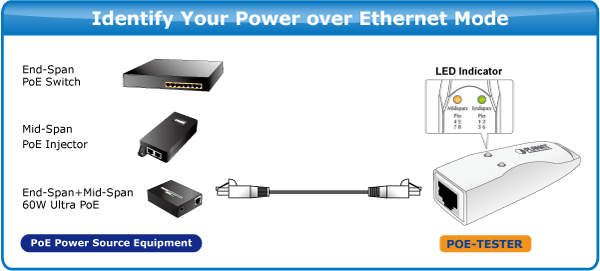
Simply connect the POE TESTER to the PSE or the RJ-45 outlet and the LED will light up when it detects PoE voltage over the UTP and instantly identifies the PSE as mid-span, end-span, or even the latest 4-pair 60 Watt ULTRA-POE.
Identify PoE PSE modes
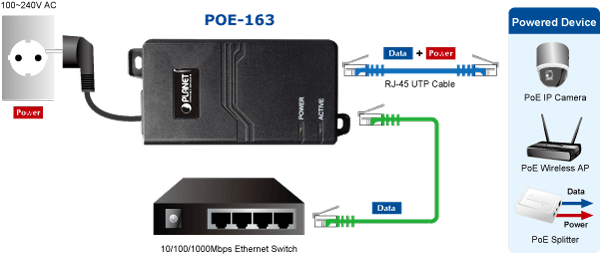
The POE TESTER offers two LEDs for quick and easy PSE mode identification. A Power over Ethernet system consists of a PSE (Power Sourcing Equipment) and a PD (Powered Device). The PSE is a device that supplies power in a PoE installation. There are two types of PSE: Mode A and Mode B. The PSE can be a Mode A, end-span PoE switch or a Mode B, mid-span PoE injector.
The PD is a PoE-using unit that draws its power from a PSE such as IP network cameras, VoIP phones, and wireless access points and others.
PoE installation troubleshooting
Although PDs that only use Mode A with end-span or Mode B with mid-span are no longer permitted by the IEEE 802.3af/at standard, there are still PDs that only work with one of the modes. This makes the PoE PSE and PD incompatible in applications. For example, an end-span PoE switch cannot remotely power up a "mid-span only" wireless access point. However, installers often don't know exactly which remote PSEs are. The Planet PoE Tester checks your UTP cable for power and identifies the source, mid-span, or end-span. Ensure there is PoE at the end of your UTP cable, and the next step is to check whether the PD is compatible with the PSE or whether there is a fault in the PD.
Be the first to review “Planet POE-TESTER”
With compact size and configure free design, the POE-TESTER is truly the best handy PoE test tool for the installation of PD device to test if IEEE 802.3af/at PoE power is sent to wireless access points, IP surveillance cameras, VoIP phones and other PoE devices. It offers plug-and-play PoE diagnostic and PoE installation for installers and system integrators.
| Hardware Specifications | |
| Interface | 1 x RJ-45 TP connectors ■ PoE Power Input (PD) |
| LED indicators | End-span / Pin 1236 (Green) ■ The PoE voltage is detected on pair 1,2,3,6 Mid-span / Pin 4578 (Orange) ■ The PoE voltage is detected on pair 4,5,7,8 |
| Power input | IEEE 802.3at/af compliant with voltage within 40~57V |
| Dimensions (W x D x H) | 23 x 70.1 x 22 mm |
| Weight | 20g |
| Cabling | UTP: Cat. 5 UTP cable or above, 100m maximum |
| environments | |
| Temperature | -10 ~ 60 degrees C (operating) |
| Humidity | 5 ~ 95% (non-condensing) |
| Standards Compliance | |
| Standard | IEEE 802.3af Power over Ethernet IEEE 802.3at Power over Ethernet Plus |
| Emission | CE Compliance |
You could also love …
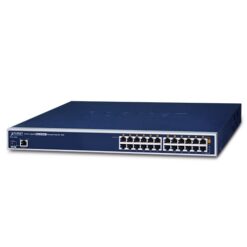
Planet
– PoE Injector HUB 30Watt
– 12-port
– Managed
– Gigabit
– PoE Budget 220 Watt
€ 259,00 (excl. VAT)
€ 313,39 (Incl. VAT)
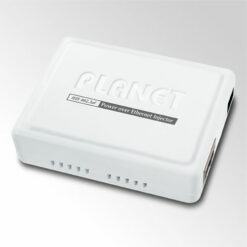
Planet
– PoE Injector
– Gigabit networking
– 1 port in 1 port out
– End-span
€ 29,69 (excl. VAT)
€ 35,92 (Incl. VAT)
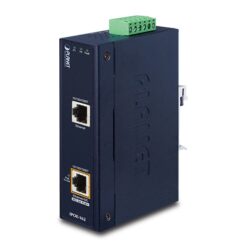
Planet
– High POE Injector
– Industrial Gigabit
– IEEE802.3at
– IP30 Protection
– Din Rail mounting
€ 82,95 (excl. VAT)
€ 100,37 (Incl. VAT)
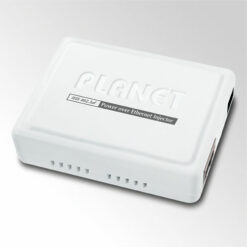
Planet
– High Power PoE injector
– Gigabit
– Mid-span
- 30 watts
€ 36,59 (excl. VAT)
€ 44,27 (Incl. VAT)
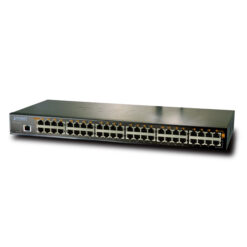
Deals
– 24-port PoE Injector HUB
– Fast Ethernet 10/100Base TX
– 220 Watt Power budget
– Managed
€ 239,00 € 180,00 (excl. VAT)
€ 217,80 (Incl. VAT)
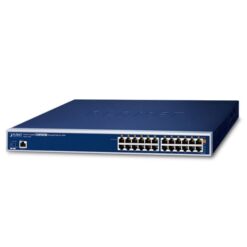
Planet
– 12-port High Power POE
– Managed Injector HUB
- Gigabit Ethernet
– 360 Watt Power budget
€ 375,95 (excl. VAT)
€ 454,90 (Incl. VAT)
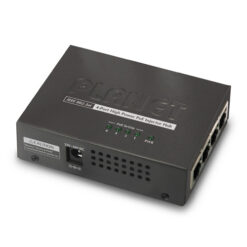
High Power PoE
– 4-port HPOE HUB
– Mid-span
– 802.3af / at
– 120 Watt Power Budget
€ 85,00 (excl. VAT)
€ 102,85 (Incl. VAT)
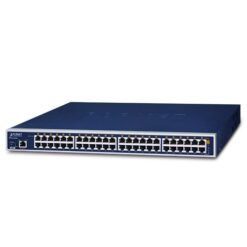
PoE injector hub
– 24-port PoE+
– Managed injector HUB
– Gigabit
– Power Budget 720 Watts
€ 452,16 (excl. VAT)
€ 547,11 (Incl. VAT)
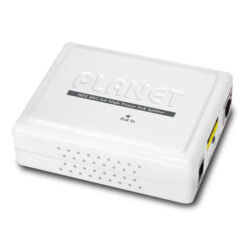
Planet
– 1-port High Power Splitter
– Mid Span
– Gigabit
– 12V / 24V DC output
€ 34,45 (excl. VAT)
€ 41,68 (Incl. VAT)
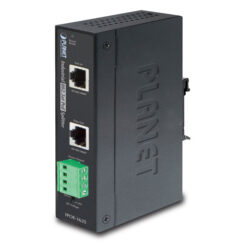
Ethernet
– High POE Splitter
– Industrial Gigabit
– IEEE802.3at
– IP30 protection
– Din Rail mounting
€ 84,95 (excl. VAT)
€ 102,79 (Incl. VAT)
Related products
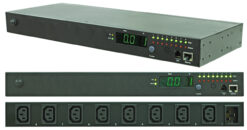
Shop4power
– 8-port 19″ rack
– Meter: True RMS
– Monitoring: Per output I and total P
– Monitoring: meter, Web, SNMP, software
– Outputs individually switchable
- and more.
€ 486,01 (excl. VAT)
€ 588,07 (Incl. VAT)
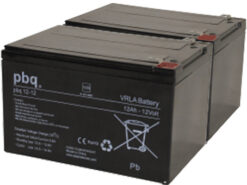
Battery sets
– APC battery replacement
– Two blocks in this set
– Faston plugs
– 2 x 12Volt 12Ah
€ 53,00 (excl. VAT)
€ 64,13 (Incl. VAT)
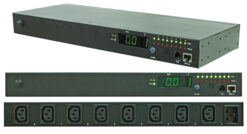
Shop4power
– 8-port 19″ rack unit
– True RMS current meter
– Outputs individually/group switchable
– scheduled, autoping
– Power on/off sequence definable
– Notifications via email, stairs and audible signal
€ 398,95 (excl. VAT)
€ 482,73 (Incl. VAT)
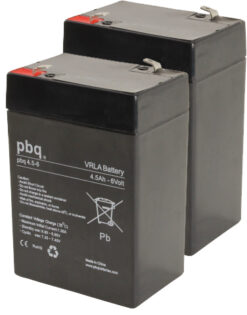
Battery sets
– Battery replacement kit for UPS
– 12 Volt blocks
– 2 blocks in the set
€ 31,00 (excl. VAT)
€ 37,51 (Incl. VAT)
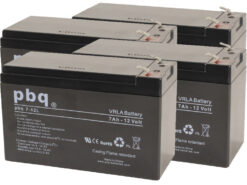
Battery sets
– S4P-RBC25 UPS replacement kit
– Set consists of four blocks
– High quality batteries
€ 72,00 (excl. VAT)
€ 87,12 (Incl. VAT)
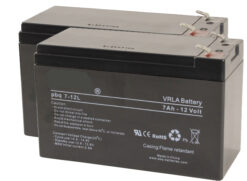
Battery sets
– S4P-RBC22 UPS replacement kit
– Set consists of two blocks
– High quality batteries
€ 35,00 (excl. VAT)
€ 42,35 (Incl. VAT)
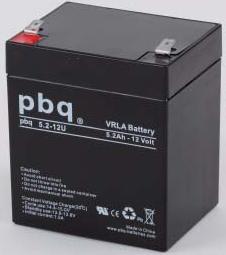
Battery sets
– S4P-RBC29 replacement kit
– Set consists of one block
– High quality battery
€ 17,00 (excl. VAT)
€ 20,57 (Incl. VAT)
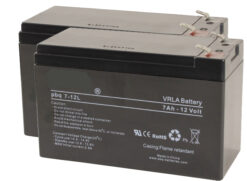
Battery sets
• Battery replacement kit for UPS
• 12 Volt
• 2 battery blocks in the set
€ 35,00 (excl. VAT)
€ 42,35 (Incl. VAT)
Reviews
There are no reviews yet.